Disconnected Updates
Teams rely on disconnected messages and manual tracking.
Move from inspection findings to repair execution with clearer accountability and documentation.
These are the workflow gaps that slow down dispatch, field work, office review, and billing when teams do not share the same operating context.
Teams rely on disconnected messages and manual tracking.
Job updates and field evidence are hard to review quickly.
Dispatch, office, and finance handoffs introduce delays.
Managers lack one reliable operational history.
Enforce process consistency across your entire organization.
New work becomes a connected operational record
Dispatchers assign timing, crew, and route context
Technicians update progress, notes, and documentation
Office teams check follow-up and closeout readiness
Finance and reporting start from cleaner records
Everything your team needs to manage inspection & repair crews work from a single operating view.
Keep customer details, scope, due dates, notes, files, and status in one operational record.
Assign work, rebalance calendars, and coordinate field timing with less guesswork.
Plan routes, view job locations, and support faster field coordination.
Capture proof, inspection evidence, before-and-after photos, and closeout documents.
Keep internal communication and reminders closer to the job being discussed.
Track labor and material context before billing review and reporting.
Move from completed work to invoice and PDF reporting with fewer missing details.
Use grounded CRM context, workflow rules, reminders, and summaries to reduce admin follow-up.
This fictional scenario shows how a typical team could use the CRM through a busy operating day.
8:00 AM: Team lead reviews new requests and active assignments.
10:15 AM: Field technician updates job status and proof records.
1:00 PM: Office coordinator validates next actions and customer communication.
3:30 PM: Manager reviews unresolved items and closeout readiness.
5:00 PM: Finance prepares billing handoff from clean job context.
Example scenario: A growing Inspection & Repair Crews operation used multiple disconnected tools for scheduling, notes, and closeout. With Easy Install Solar CRM, the team centralizes jobs, updates, attachments, and billing context in one platform. They report fewer missed follow-ups, clearer role accountability, and faster office review before invoicing.
Tailored interfaces ensure your team has exactly what they need, without clutter.
Track open jobs, closeout readiness, team workload, and operational bottlenecks.
Assign work, adjust schedules, and coordinate field teams with cleaner status context.
Review notes, documents, customer updates, and next-step handoffs.
Work from job details, upload proof, update status, and capture field context.
Review time, materials, closeout status, invoices, and export-ready records.
Receive clearer updates through approved customer-facing workflows when appropriate.
| Feature/Process | Manual Tools | Easy Install Solar CRM |
|---|---|---|
| Finding Job Details | Searching emails, texts, spreadsheets, and folders. | One connected job record with scope, notes, status, and files. |
| Photo Management | Photos sent by text, renamed manually, and stored separately. | Job-level attachments and image gallery tied to operational history. |
| Scheduling | Whiteboards, separate calendars, and manual crew updates. | Scheduling, dispatch, calendar, map view, notifications, and reminders connected to jobs. |
| Billing Readiness | Finance waits on missing labor, material, file, and closeout details. | Timecards, purchase orders, invoices, reports, and PDF exports stay closer to the work. |
Inspection and repair crews need a clean path from findings to evidence, recommendations, approvals, follow-up jobs, and reports. If the inspection record is disconnected from repair work, issues get harder to track.
Easy Install Solar CRM helps teams capture findings, attach photos, document repair recommendations, schedule follow-up work, and review closeout status. Office users can see what was found and what still needs action.
That continuity matters for teams handling repeat inspections, repair cycles, and customer communication. The CRM keeps the operational story together from first finding to completed repair.
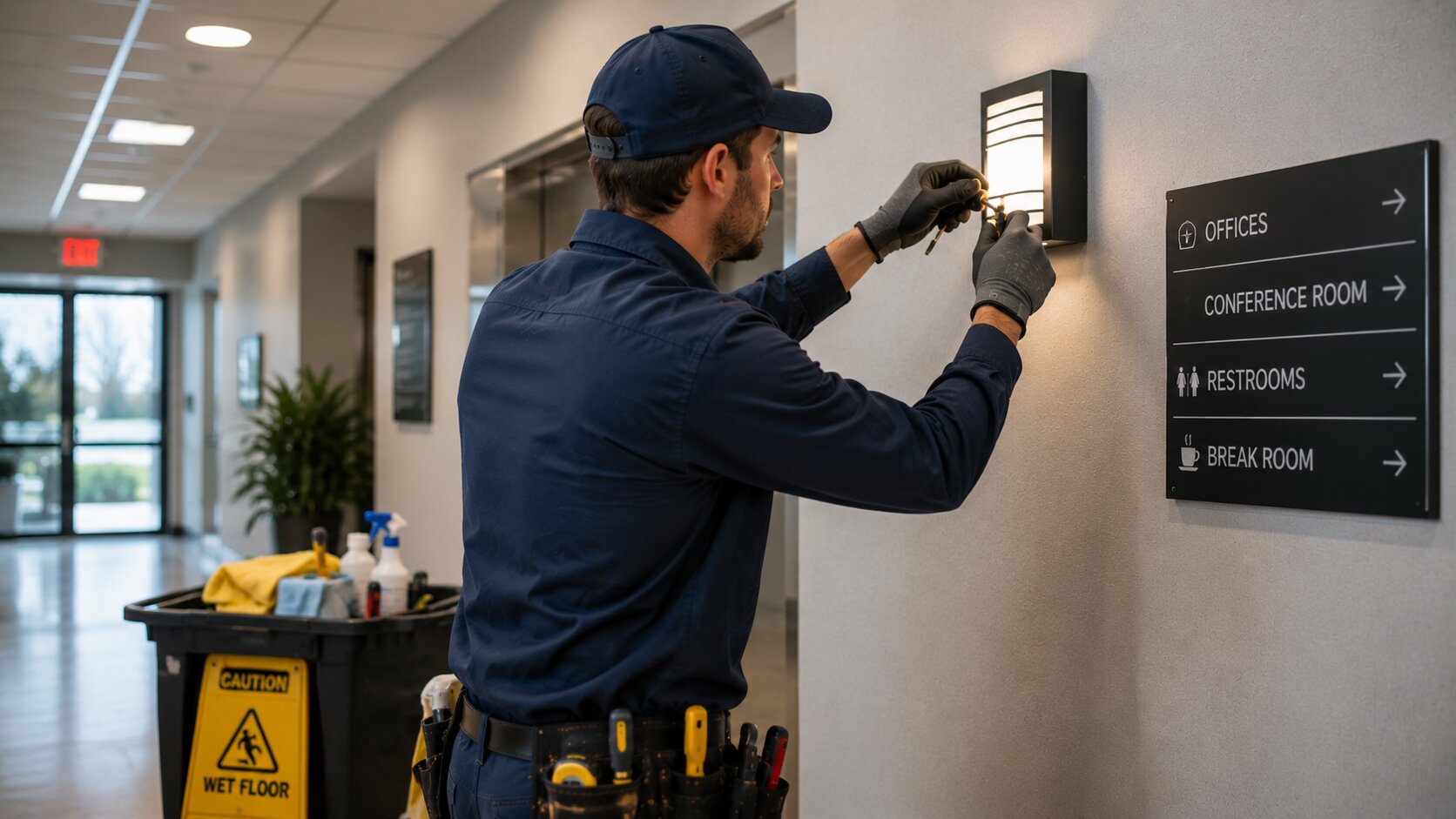
Document inspection findings, issue details, customer context, and next-step recommendations.
Keep field photos and issue documentation connected to the inspection record.
Turn findings into scheduled repair work with clearer status and closeout history.
Connect this solution to the operational modules that make the workflow easier to run.
Yes. Easy Install Solar CRM supports Inspection & Repair Crews teams that need connected job records, scheduling, dispatch visibility, documentation, field updates, and cleaner billing handoff.
Yes. Teams can manage schedule views, assignments, job status, reminders, and dispatch context from connected operational records.
Shared job context, status visibility, role-aware workflows, and job-linked documentation reduce manual follow-up and communication gaps.
Yes. Managers and office coordinators can review job notes, photos, attachments, time context, and closeout readiness before billing review.
Yes. Recurring jobs and reminders help teams keep maintenance, inspection, and repeat service workflows on a more consistent cadence.
The platform supports cleaner operational context before accounting, billing lifecycle, automation, intake, and field visibility workflows.
Instead of scattering updates across messages, spreadsheets, and folders, Easy Install Solar CRM keeps records, scheduling, communication, and closeout context connected.
Yes. Role-aware permissions help field crews, dispatchers, office users, finance users, and managers work with safer, cleaner visibility.
Coordinate jobs, teams, schedules, documentation, communication, billing readiness, and reporting from one operational system.